Take back a submitted period
Sent your period by mistake, or before a vacation, and then got called in? You no longer have to ask your manager to send it back.
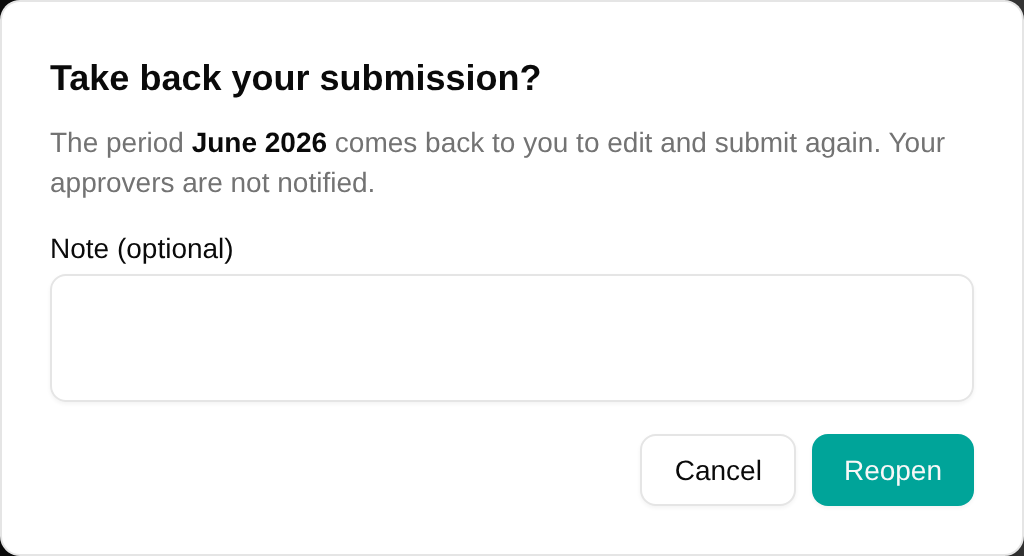
Take back your submission
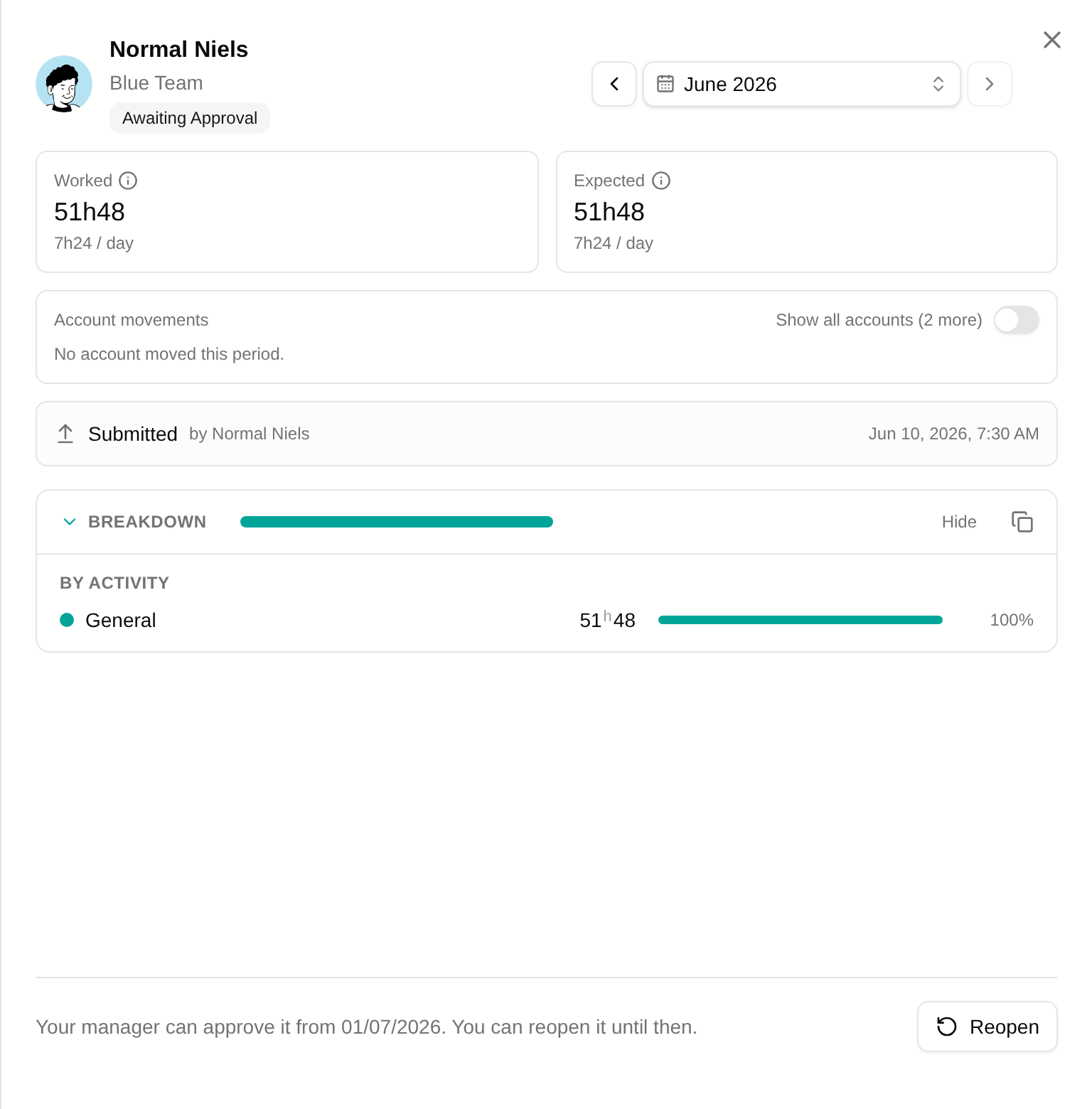
Open the period, from its band on the calendar header or the period card on the home page, and click Reopen at the bottom of the sheet, where you submitted it. No reason is needed, and your approvers are not notified. Register the change and submit again.
You can do this as long as nobody has approved the period. Once someone has, a single project approver included, only your manager or an administrator can reopen it.

Submitted early? It waits for the end
With time off at the end of the month, or a month that ends on a weekend, you can submit before the period is over. The period then waits for its end:
- Employees see when it will be decided: Your manager can approve it from 01/12/2026. You can reopen it until then. On terms without manager approval, it is approved automatically that day.
- Managers are notified, and see the period in their approvals, on the first day after the period, not before. A period can no longer be approved before it has ended.
- Administrators who need to close a period early can still approve it, with a note saying why.