Time Interval
The Time Interval filter keeps the part of every shift that falls inside a clock-time window — for example 17:00–06:00 for an evening/night supplement, or 22:00–06:00 for a strict night premium.

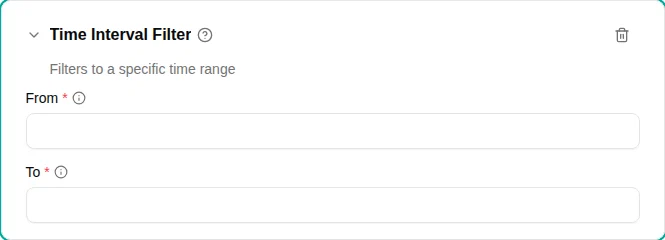
When to use
Use this filter when an allowance depends on when during the day the work happened and you want only the qualifying minutes to count. If you want the entire shift to qualify as long as enough of it falls inside the window, use the Time Interval Overlap filter instead.
Parameters
| Parameter | Description | Required |
|---|---|---|
| From | Start of the window as HH:MM. | Yes |
| To | End of the window as HH:MM. Use 24:00 for end of day. If To is earlier than (or equal to) From, the window crosses midnight. | Yes |
How it works
The filter splits every input range by calendar day, then intersects each day with the configured window. The result is the part of the shift that lies inside the window.
Midnight crossing
When To is earlier than From (e.g. From 17:00, To 06:00), the window is interpreted as 17:00 → 24:00 plus 00:00 → 06:00. Each calendar day contributes both segments, so a shift that itself crosses midnight is fully covered by the union.
Examples
- Strict night — From
22:00, To06:00. A 20:00–04:00 shift produces 22:00–04:00. - Half day — From
12:00, To24:00. A 09:00–17:00 shift produces 12:00–17:00. - All day — From
00:00, To24:00. Every minute survives, so chained with other filters it changes nothing.