Day of Week
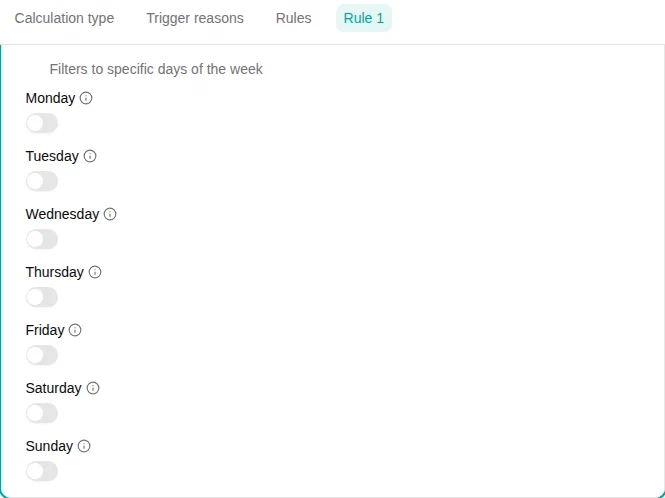
The Day of Week filter keeps work performed on the days you tick on the configuration card. Each weekday is an independent toggle, so it can express both “weekends only” and “Mondays and Wednesdays” with the same plugin.

When to use
Use this filter when the allowance depends on the calendar weekday and not on the time of day — for example a flat weekend premium, or a bonus that applies only on Sundays.
For “weekends only” (Saturday + Sunday) and “weekdays only” (Monday–Friday) there are also dedicated Weekend and Weekday shortcuts that take no configuration.
Parameters
| Parameter | Description |
|---|---|
| Monday … Sunday | Toggle each weekday on or off. At least one must be on. |
How it works
The filter splits every input range by calendar day and keeps only the days whose weekday is turned on. A shift that crosses midnight is therefore split between the two days — the portion before midnight is checked against one weekday and the portion after midnight against the next.
Examples
- Sunday premium — turn on Sunday . A shift from Saturday 22:00 to Sunday 06:00 contributes its Sunday portion (00:00–06:00) to the allowance.
- Weekend bonus — turn on Saturday and Sunday . (Equivalent to the Weekend filter.)
- Tuesday and Thursday only — turn on those two days; everything else is dropped.