SHR (Statens HR)
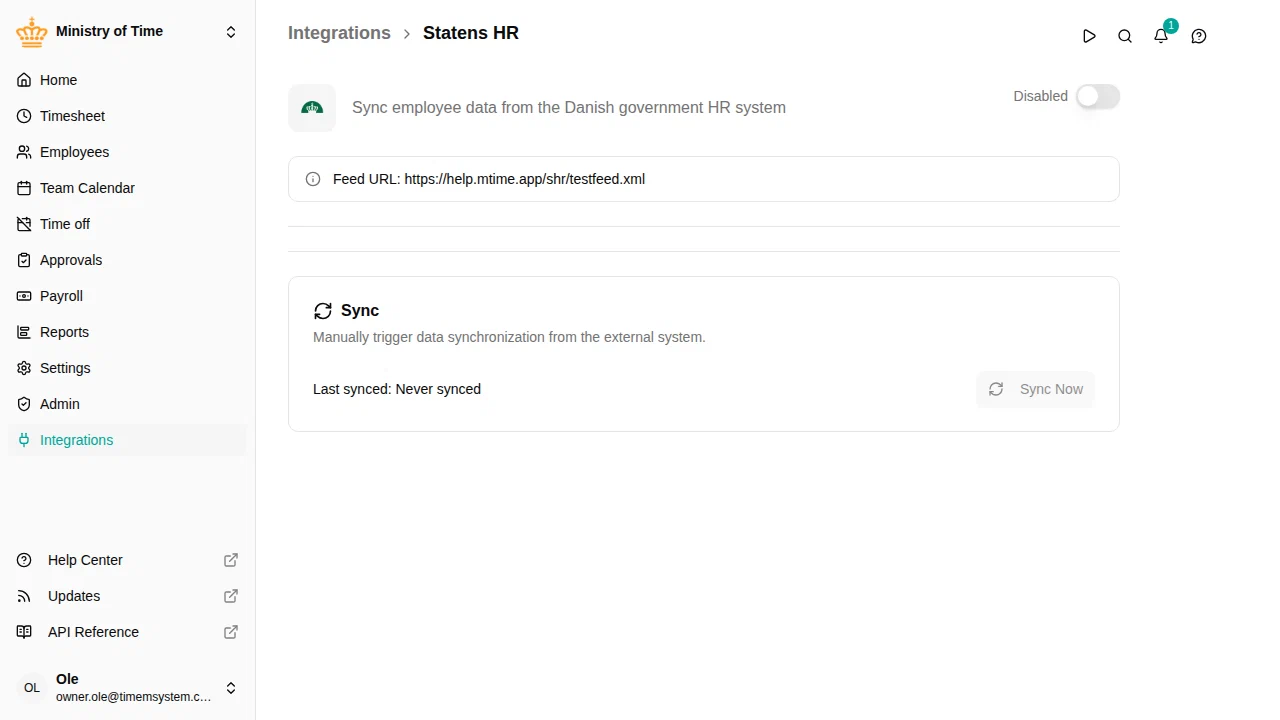
The SHR integration connects mTime with Statens HR, the Danish government’s central HR system. It syncs employees, employments, org units, and managers from an XML feed so you don’t have to manage this data manually.

What it syncs
The integration imports the following data from SHR into mTime:
- Employees — Name, email, and personal details
- Employments — Job title, start and end dates
- Org units — Department structure and hierarchy
- Managers — Reporting relationships between employees and units
How it works
SHR provides an XML feed that contains your organization’s HR data. mTime fetches this feed at regular intervals and imports any changes. After the initial sync, only changes are applied — employees won’t be duplicated.
Attributes added by SHR
When the integration is active, it adds read-only attributes to synced records. These attributes are managed by SHR and cannot be edited in mTime.
| Attribute | Description |
|---|---|
| SHR HCM ID | The employee’s unique identifier in SHR |
| Social Security Number | Social security number (CPR) |
| Payroll Number | The employee’s payroll identifier |
| SHR Employment ID | The employment’s identifier in SHR |
| Employment Number | Unique number for each employment record |
| Department ID | The org unit identifier from SHR |
These appear in their own section on each record, named after the integration. See Custom attributes for more about how integration attributes work.
Getting started
The SHR integration requires configuration on the mTime side — your feed URL needs to be whitelisted for your workspace.
To get started, contact mTime support and let them know you’d like to connect your SHR feed. They will:
- Whitelist your SHR feed URL for your workspace
- Set up the integration
- Help you run and verify the first sync
What to expect after the first sync
Once the integration has run for the first time:
- Employees from the feed are created in mTime — you can find them in
- Employments are linked to the corresponding employees
- Org units are created to match the department structure in
- Manager relationships are set based on the feed data
- The read-only attributes listed above are populated on each record
Next steps
Once the integration is running, see Integrations for how to check sync status, trigger manual syncs, and troubleshoot issues.